
Turning risk into peace of mind.
No filler.
Hands-on takes on attacks, backups, M365, Apple, pricing, people. No sponsored articles. Written by Roman, Kuba & team.
We've vibe-coded our first internal app. How do we give it at least basic security?
The first version of an internal app now takes an afternoon. A simple kit (GitHub, tests, Infisical, Proxmox, MikroTik, Cloudflare, monitoring, backups) gives it basic order and security without building a data centre.
NIS2 and Microsoft 365: the 10 gaps we find most often
Ten places in Microsoft 365 where companies most often lack exactly what the Czech Cybersecurity Act asks for. For each one: what the law wants, where it is configured and how to check it yourself.
NÚKIB registration is done. What you must finish before the deadline
Registration was the easy part. The year for implementing measures runs from delivery of your decision — and 24-hour incident reporting applies right now. Timeline, month-by-month plan and what inspectors ask.
NIS2 for manufacturing companies: who it applies to and what it requires
Manufacturing is newly regulated. Five sectors under CZ-NACE 26–30, medium and large enterprises, lower obligations by default. How to tell whether it applies to you — and what changes when you run production lines.
Will your company survive the departure of its IT admin?
A checklist of the ten areas your company must own — not one person. Control questions, verification cadences and a free 5-minute IT continuity check.
EDR: why antivirus alone is no longer enough
The antivirus icon is green — but an attacker logging in with a stolen password runs no virus. What EDR is, how it differs, and when your company needs it.
Patch management: how many holes are left a month after updates?
Windows Update ran, the server says “up to date”. The holes that remain are the ones Windows Update cannot see. What real patch management looks like.
What does IT management actually do when nothing breaks?
The IT management invoice arrives even in months when nothing broke. What are you paying for? Exactly that. What should happen behind the scenes — and how to verify it.
Managed IT services: what’s included — and what you actually need
Managed IT services are not a bundle you must buy whole. What the term covers, the baseline every company needs, and what is upsell. Test your IT free.
IT company in Prague: how to choose one (a checklist that works)
Three quotes, three prices, no way to compare them. A practical checklist for choosing an IT company in Prague — before you sign, not after it breaks.

App auto patch — automating macOS app updates
A few weeks back I stumbled across (by chance, on LinkedIn) a Git repo for something called App-Auto-Patch . After a quick read it caught my attention, and I think it should catch yours too 😊.
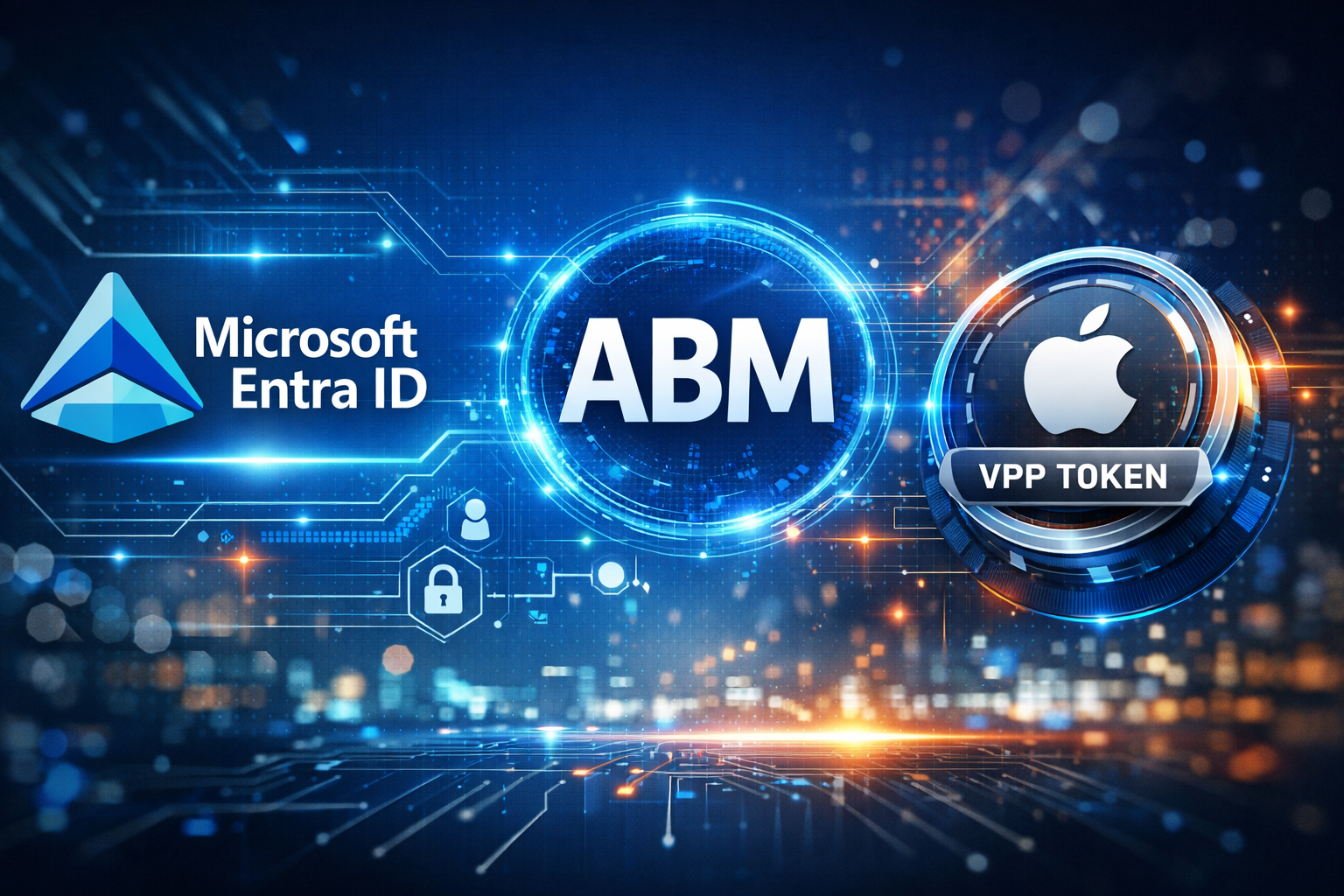
ABM in practice: the Volume Purchasing Program
As I previewed in the last episode, today we'll look at VPP ( Volume Purchasing Program ), which lets you install apps onto macOS and iPhone devices on first sign-in — even before an Apple ID exists.
Free online IT & security audit. No meeting needed.
Run your own security check in 5 minutes. Your IT person doesn't have to know. If you find issues, you can hand them the report. Your call.
- Genuinely free. No paywall.
- No meeting needed. Online anytime, anywhere.
- Run it yourself. Self-service.
- Your data stays yours.