ABM in practice: the Volume Purchasing Program
Picking up where we left off, today we'll walk through VPP (Volume Purchasing Program) — how to use it to push apps to macOS and iPhone devices on first sign-in.
As I previewed in the last episode, today we'll look at VPP (Volume Purchasing Program), which lets you install apps onto macOS and iPhone devices on first sign-in — even before an Apple ID exists.
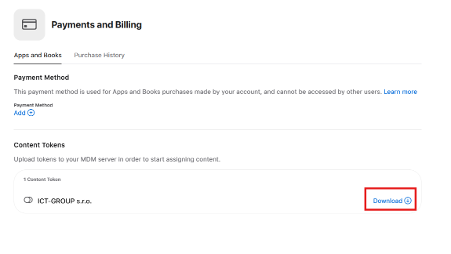
In ABM go to Preferences → Payments and Billing → Content Tokens and click the Download button.
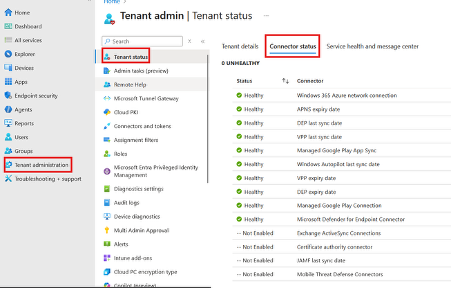
Then go to Intune → Tenant Administration → Tenant Status → Connector Status → VPP last sync date / VPP expiry date.
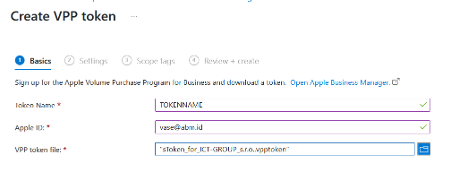
Click Create and fill in the name you want to give the token plus your Apple ID (ideally the ABM Apple ID).
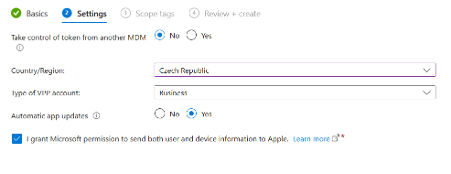
Set the country your company is registered in, enable automatic updates, and sign your soul over to the Microsoft and Apple demons.
Done.
App installation itself we'll cover next time.